Bun is a toolkit and a runtime for TypeScript
Introduction
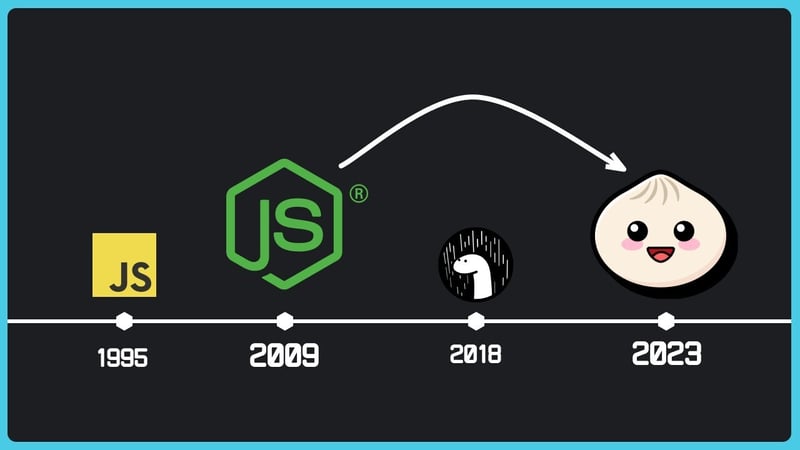
Bun is a runtime focused on performance and being all-in-one (runtime, bundler, package manager, transpiler).
Bun is designed to be a drop-in replacement for Node.js, supports most of the same APIs and features, and offers superior performance.
It uses JavaScriptCore to execute code like Safari, instead of V8 used by Node.js and Google Chrome.
Additionally, its libraries are written in the Zig language.
Work environment
Bun ships as a single, dependency-free executable. You can install it via script, package manager, or Docker across macOS, Linux, and Windows.
Install Bun with the official script.
| The unzip package is required to install Bun. Use sudo apt install unzip to install the unzip package.
To check that Bun was installed successfully, open a new terminal window and verify with bun --version and bun --revision:
Once installed, the binary can upgrade itself:
Project
Create a new project:
mkdir demo
cd demo
bun create- https://bun.sh/docs/cli/bun-create
Package manager
- https://bun.sh/guides/install/add
S3
With /data/filebase/ and /data/minio/
https://bun.sh/docs/api/s3